
The Copenhagen card app handles everything from the moment you download it: redeeming your purchase code, activating your card, scanning into attractions, and browsing a built-in guide to every covered sight. If you already bought your card and are looking for setup help, this walkthrough covers the whole process in order, plus what to do if something does not scan on your first attempted entry.
Copenhagen Card App: Activation & How to Use It
Quick answer
The Copenhagen Card app is where you redeem your code, activate your card, and scan into every included attraction, and it doubles as a built-in city guide with maps and hours for every covered sight.
Check availability ✓ Free cancellation available · From 79 EUR

Contents
- How Do You Download the Copenhagen Card App?
- How Do You Activate the Copenhagen Card?
- When Should You Activate the Card After Downloading It?
- How Does the Copenhagen Card City Guide Work Within the App?
- Do You Need Internet Access to Use the App?
- What Do You Do If the App Will Not Activate?
- Can You Use the Copenhagen Card on More Than One Phone?
- Does the App Show Real Time Opening Hours?
Ready to visit?
Book your tickets in advance: popular time slots sell out.
Check availability · From79EUR →✓ Free cancellation available · Secure booking
How Do You Download the Copenhagen Card App?
Search for the official Copenhagen Card app on your phone’s app store and install it before you travel, ideally with a stable WiFi connection rather than waiting to do this at the airport. The copenhagen card app download takes just a couple of minutes and works on both major mobile platforms, so there is no reason to leave this step for your arrival day.
How Do You Activate the Copenhagen Card?
Open the app, enter the 8 character redemption code from your purchase confirmation email, and the app converts it into your live, scannable card. Copenhagen card activation does not happen automatically at this step, since redeeming the code and activating the validity clock are two separate actions. You choose exactly when the clock starts, which matters a great deal if you redeem the code the moment you land but do not plan to start sightseeing until the next morning.
When Should You Activate the Card After Downloading It?
Wait until the moment your actual sightseeing begins, not the moment you land or redeem the code. The validity window runs on consecutive hours from activation, so activating late on a travel day, when you are mostly unpacking and having dinner, wastes hours you could have used the next morning instead. Our durations guide explains how arrival timing interacts with each duration tier.
How Does the Copenhagen Card City Guide Work Within the App?
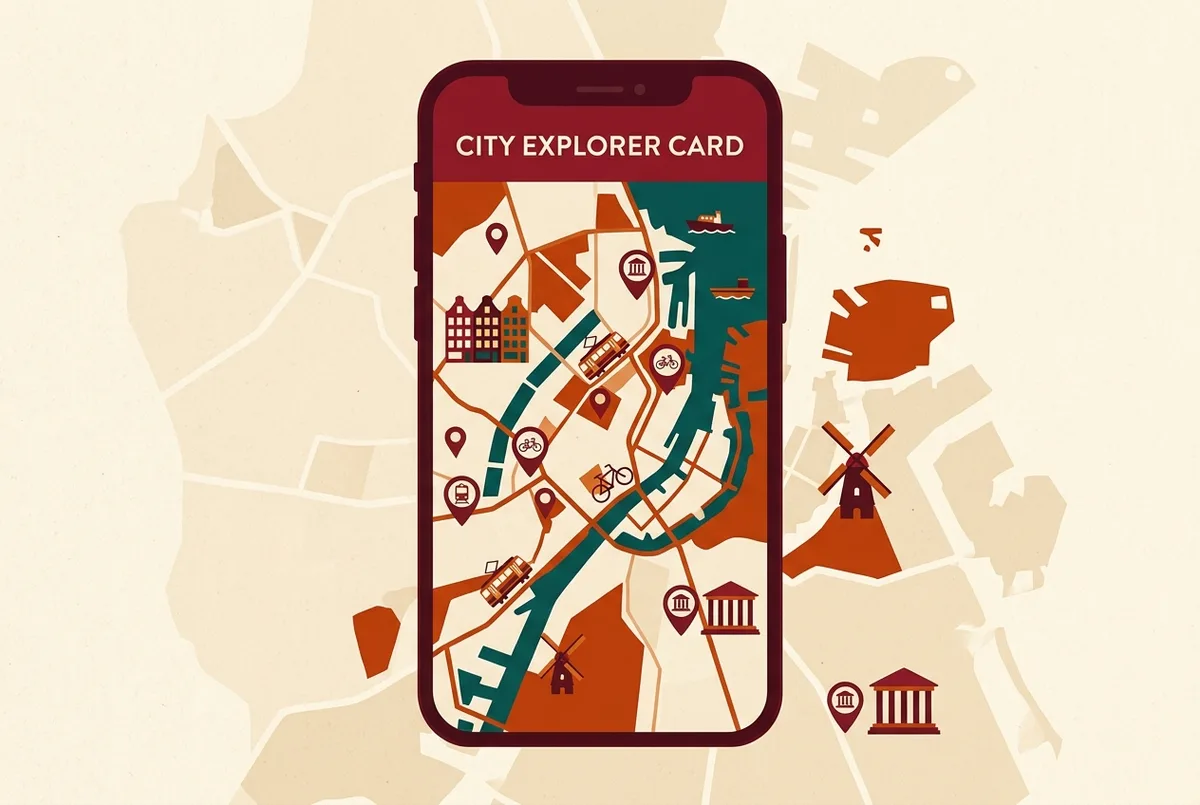
Beyond the scannable card itself, the app includes a copenhagen card city guide with maps, opening hours, and short descriptions for every included attraction. This is genuinely useful for planning on the fly: check which nearby museum is still open before walking somewhere that has already closed for the day, or pull up the walking directions to your next stop without switching to a separate maps app.
Do You Need Internet Access to Use the App?
A connection helps for browsing the city guide and checking live hours, but the core scannable card typically still works for entry even with a weak signal, since the card itself is stored on your device once activated. Downloading the app and redeeming your code before you travel, while you still have reliable WiFi, is the safest way to avoid any connectivity surprise on your first museum visit.
What Do You Do If the App Will Not Activate?
Double check that you are entering the exact 8 character code from your confirmation email, since a single mistyped character is the most common cause of an activation failure. If the code still will not redeem, contact support through the official channel listed in your purchase confirmation rather than trying to purchase a second card, since a genuine technical issue is usually resolved without needing a new ticket.
Can You Use the Copenhagen Card on More Than One Phone?
Each card is tied to a single redemption and generally displays on one device at a time, so plan for each traveler in your group to redeem their own individual code on their own phone rather than sharing a single activated card between people. Group and family bookings typically issue a separate code per person for exactly this reason.
Does the App Show Real Time Opening Hours?
The copenhagen card city guide app section is built to reflect current hours for included attractions, which matters since several museums close on Mondays and some close on public holidays. Checking the app before you leave your hotel each morning is a quick habit that avoids arriving at a closed door partway through a tight itinerary. Our inclusion checklist covers the broader pattern of which categories tend to have seasonal or weekly closures.
What Should You Check Before Your First Museum Visit?
Confirm your card shows as active inside the app, and if the attraction is one of the busier ones, check whether it requires a free advance timeslot booking, a rule that applies to a handful of the most popular included museums. Our Tivoli and Bakken guide and museums guide both note where this applies for specific named attractions.
Is the App Available in English?
Yes, the Copenhagen Card app supports English alongside other languages, so international visitors do not need to navigate a Danish-only interface to activate or use the card. This matters for the city guide section especially, since attraction descriptions and hours display in your chosen language throughout.
What Other Features Does the App Include Beyond Entry Scanning?
Beyond scanning you into attractions, the app typically shows a running list of what you have already visited, useful for keeping track of which included attractions you still have time to see on a busy multi day card. Some versions also surface short practical notes for each attraction, like whether a timeslot booking applies, saving you a separate search once you are already standing at the entrance deciding where to go next.
Should You Keep the App After Your Trip Ends?
There is no harm in keeping it installed, since a future trip with a new Copenhagen Card would use the same app for redemption and activation again. If storage space matters more, deleting it after your card expires is fine too, since nothing about a future purchase requires the app to have stayed installed between trips.
For the most current app version and any recent feature updates, the official Copenhagen Card website links directly to the correct download for your device. If you have not yet bought your card, our how to buy guide walks through the purchase step that comes before all of this, and once you are set up, revisit the price breakdown or Discover versus Hop comparison whichever version you activate to plan the rest of your trip around the full Copenhagen Card comparison table.
Does the App Drain Your Phone Battery?
Not meaningfully more than a typical travel or maps app, since it mostly sits idle in the background between scans and map checks. Carrying a portable charger is still a sensible habit for any full sightseeing day regardless of which apps you run, particularly if you are also using your phone for photos and navigation throughout the trip. Losing power partway through the day would block your ability to scan into an attraction, so a low battery warning is worth acting on before it becomes a problem at a museum entrance.
What Happens If You Lose Your Phone Mid Trip?
Contact support through the official channel listed in your original purchase confirmation as soon as possible, since your card is tied to your redemption code rather than to the specific device. Keeping a copy of that original confirmation email in a second location, a travel companion’s inbox or a cloud note, gives you a fallback way to re-redeem the code on a replacement device without losing access to the remaining hours on your card.
Does the App Cost Anything to Download or Use?
No. The Copenhagen Card app itself is a free download on both major mobile platforms, and there is no additional in-app cost beyond the card purchase you already made. Redeeming your code, browsing the city guide, and scanning into every included attraction all sit inside that one free download, so the only payment involved in the whole process happens once, at checkout, before you ever open the app.
Frequently Asked Questions
How do I activate my Copenhagen Card? Enter your 8 character redemption code in the app, then choose when to start the validity clock, which begins only when you actively activate it, not when you redeem the code.
When should I activate the Copenhagen Card app? Wait until the morning your actual sightseeing begins rather than the moment you land, since the validity window runs on consecutive hours from activation.
Do I need internet access to use the Copenhagen Card app? A connection helps for the city guide and live hours, but downloading and redeeming your code before travel, while you have reliable WiFi, is the safest approach.
What if my Copenhagen Card code will not activate? Recheck the 8 character code for typing errors first. If it still fails, contact support through the official channel in your confirmation email rather than buying a new card.
Does the Copenhagen Card app work in English? Yes, the app and its built-in city guide support English, so international visitors can activate and navigate it without a language barrier.
Ready to visit?
Book your tickets in advance: popular time slots sell out.
Check availability · From79EUR →✓ Free cancellation available · Secure booking